
A head unit screen that feels comfortable during the day can seem too bright in a dark setting. Before deciding to replace the device, record the available settings and the conditions in which its display becomes distracting. Make these checks while safely parked so they do not compete with driving for your attention.
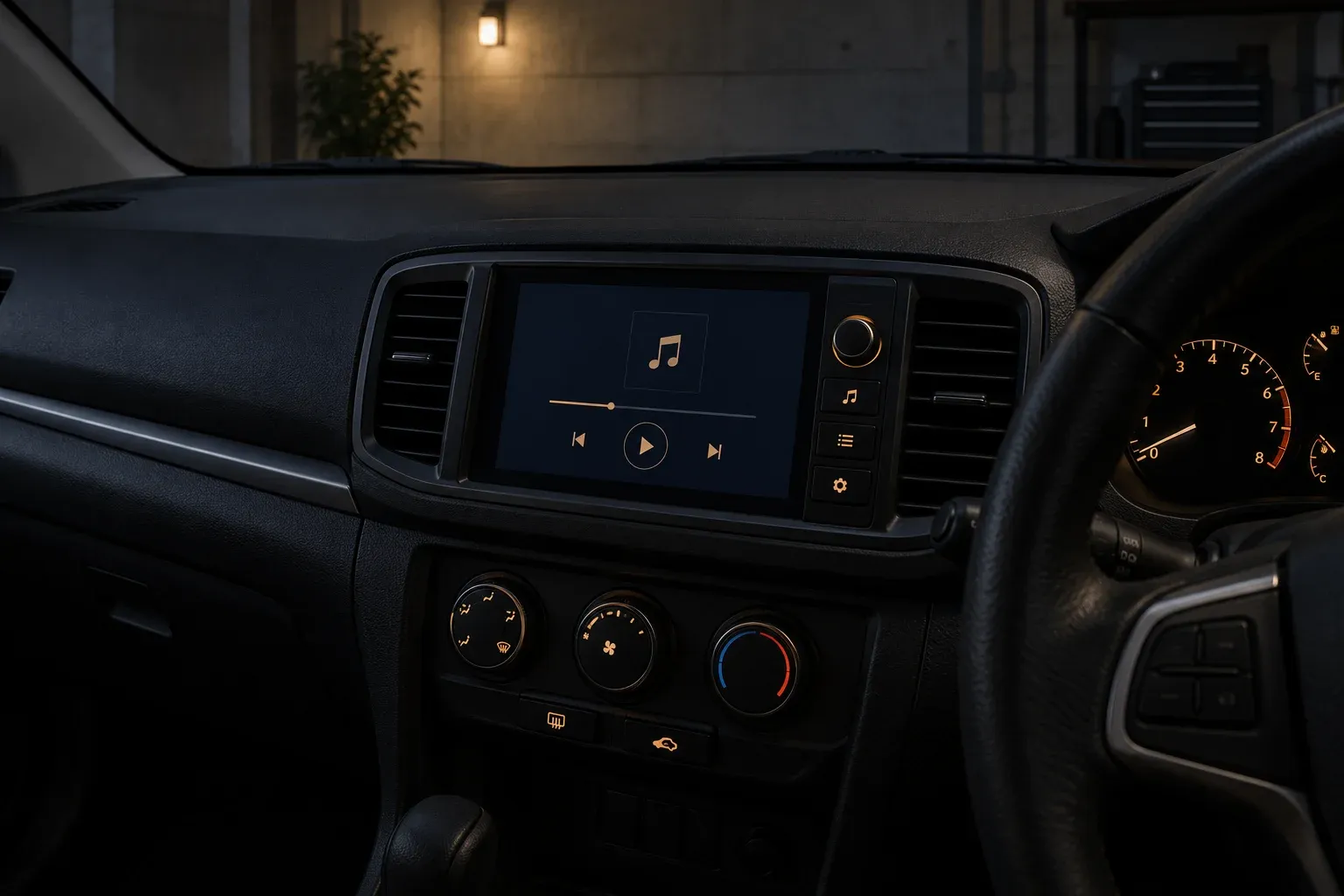
Separate theme from brightness
A dark theme changes interface colors. A brightness setting changes screen intensity. Both may improve comfort, but one setting does not necessarily control the other. A navigation application may also have its own display preferences.
Start with the menus described in your exact head unit’s manual. Note whether it offers day and night modes, automatic switching or separate button settings. Menu names and behavior vary between products.
As one specific example, the Sony XAV-AX6000/XAV-AX6050 manual describes dimmer settings and their relationship with vehicle lights. This does not mean every head unit has the same features or connections.
Make comparison notes
While parked, compare the same page before and after changing a setting. Choose a page you commonly use, such as the audio menu or navigation map. Check whether text, indicators and controls remain recognizable when the screen is dimmed.
Avoid assuming that one brightness value suits every vehicle. Mounting position, viewing angle, surrounding light and application interfaces differ. Useful notes identify the device model, selected mode and conditions in which the issue appears.
Observe automatic switching
If night mode is expected to change automatically but does not behave as its manual describes, report that symptom to a technician. Explain whether the change never happens, happens late or affects only part of the interface. Do not open panels or alter wiring just to experiment with this function.
A technician needs to consider the vehicle, device and existing installation together. If the problem appears only in one application, record that application’s name and settings. This helps distinguish application preferences from device settings without guessing at an electrical cause.
Compare one change at a time
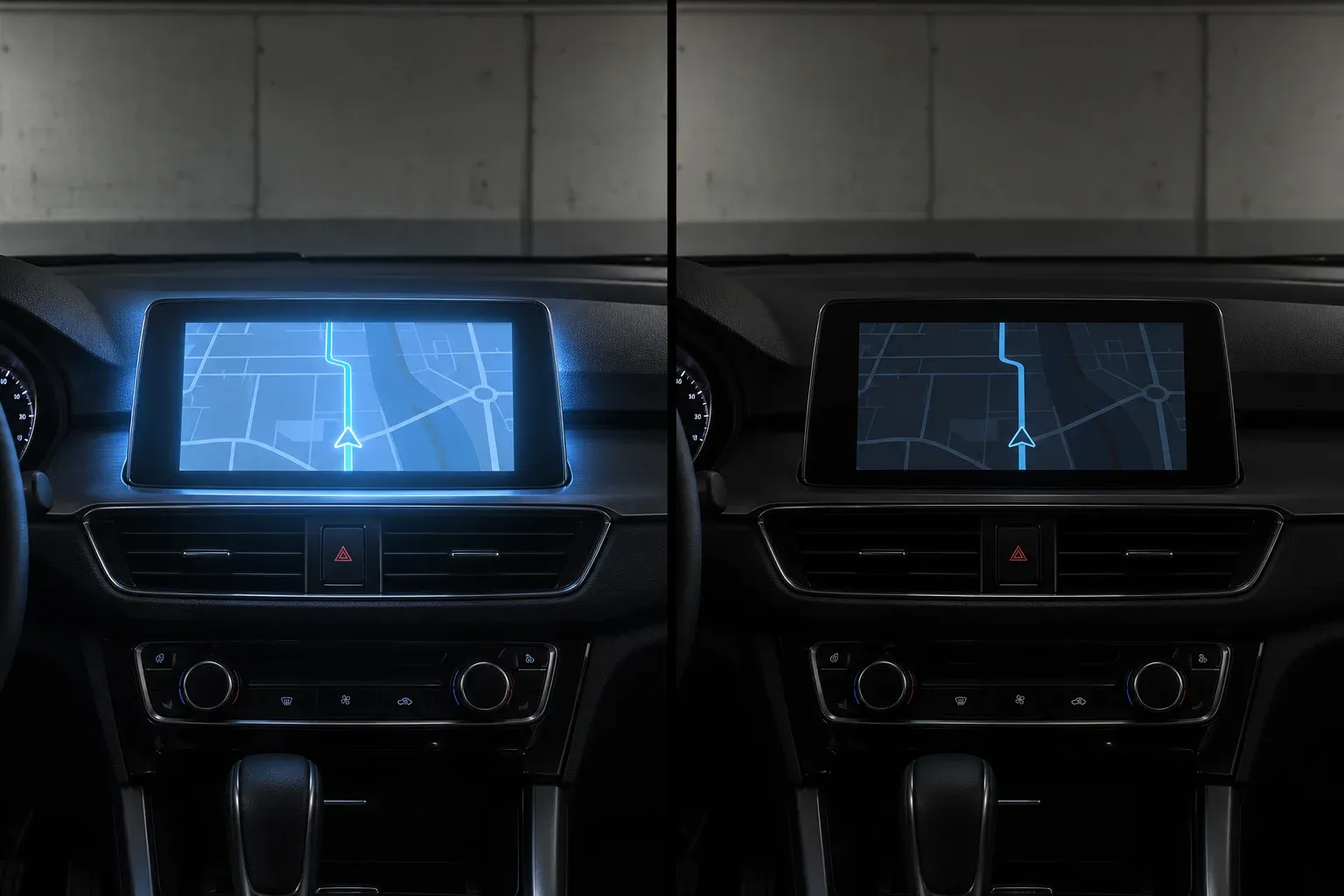
Use the same starting page for each comparison. Record the current setting, make one change through the normal menu, then observe text and controls from your usual seated position. Changing the theme, brightness and application settings together makes it difficult to explain which change produced a different result. Simple notes keep the discussion focused without prescribing one ideal value for everyone.
In a fictional example, an owner finds the map page brighter than the audio menu. While parked, they notice that the audio menu already uses a dark appearance but the map application has not changed. Record both states and check the application’s instructions before concluding that the entire head unit has a problem. This gives a technician context without proving the cause in a particular vehicle.
Inspect small text and less frequently used controls too. A dimmer display still needs to present information clearly. If it becomes difficult to read, record that condition and use normal settings according to the manual. Do not continue the exercise while driving or ask a passenger to direct your attention toward settings being tested.
Prepare a repeatable demonstration
When discussing the device with a technician, show the relevant page with the vehicle in a safe condition. Explain the short sequence used to open it and the settings already checked. A demonstration using the same example is easier to understand than several photographs with different pages and lighting.
If a setting changes back after restarting the device, record the occurrence and the previous selection. Do not assume that it must be a device fault; the model’s manual should establish how settings are retained. Any reset history or installation work you know about can also help the technician’s next questions.
For a device shared with family, describe which parts each user finds difficult to read. Select settings after comparing device instructions with real requirements. The consultation aims to establish how the existing settings and installation work, then determine necessary work through inspection rather than buying another device from one impression of its screen.
Bring context to the consultation
Prepare the vehicle model and year, head unit make and model, installation history and a short observation summary. A display photograph taken while stationary can provide a comparison, although photographic brightness does not always match what your eyes see.
When evaluating a new device, discuss readability and access to settings during a demonstration rather than focusing only on screen size. For an existing installation, use Hariman Variasi’s contact page and explain your observations. Review the workshop services to prepare the consultation scope.