

Two people share a car but have different phone requirements. One prioritises calls while the other usually plays audio. When choosing or replacing a head unit, discuss these shared habits so changing users does not become a fresh experiment every time.
A connection plan records needs and agreed usage rules. It does not assume every device supports two phones simultaneously. Configure and check connections while safely parked, following the manuals for the actual vehicle and equipment.
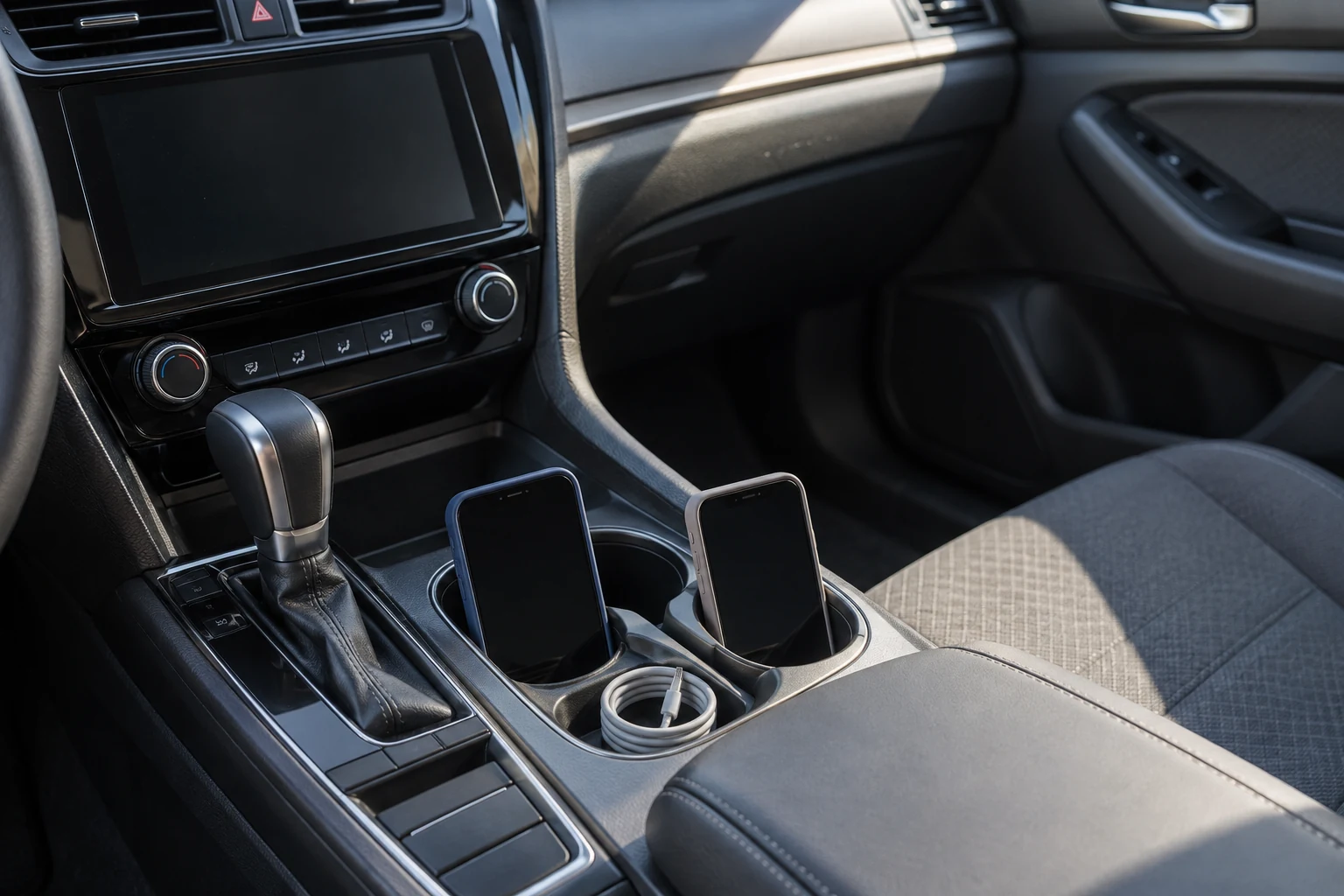
Record each user’s needs
Start with activities using normal controls: listening to audio, receiving calls, or using supported navigation. Identify the phone and operating system when known. Do not infer capability merely because two phones appear to have the same connector.
Ask which requirement matters most to each person. Their lists may differ even when they make similar journeys. A priority summary helps discuss head-unit choices without starting from unfamiliar feature names.
Distinguish essential needs from additional conveniences. Easy user changes may matter more than connecting many devices simultaneously. Agree priorities before seeking a recommendation so the discussion follows real usage habits.
Separate connection types
Bluetooth, cable connections, and integrations such as CarPlay are different options. Apple’s CarPlay guide describes use in supported vehicles; connection methods and controls depend on the vehicle and configuration. Check manuals rather than making general assumptions.
Record existing connections and those you want to use. If calling and media use different options, describe that context. Support for one function does not establish that every function is available for every phone.
If a cable connection is needed, ask about suitable connectors and cables. Use equipment meeting the manufacturer’s instructions. A requirements plan is not a guide to modifying ports, vehicle wiring, or device connections yourself.
Agree which phone takes priority
When both users are present, decide who chooses the audio source or primary phone. A simple agreement reduces confusion if a device attempts automatic connection. Source selection and priority behaviour still depend on available features.
A fictional example: before a journey with user A driving, phone A is the chosen source. When user B uses the car alone, they check the source while parked. This is a shared usage rule rather than a claim that every head unit stores a priority for each driver.
Ask technicians how the proposed device handles several saved phones. Does the user select a source manually? What happens after restarting the device? Record answers checked on the particular equipment.
Plan changes without rushing
Change users before the car moves. The next person needs to understand how to select a supported connection and check its result. Do not use a connection issue as a reason to browse menus while driving.
Summarise the normal steps explained by the technician or manual. Avoid lengthy notes depending on memorising several menus. If the process feels difficult, mention this need when choosing a head unit.
Separate routine situations from faults. A phone not selected as the source differs from a broken connection. For an unusual event, record the device, connection type, and visible message for discussion when the car has stopped.
Discuss information that may appear
Shared use requires discussion about calls, contacts, or notifications that might appear under the configuration. Check options on the actual phone and head unit. Do not assume all devices retain or remove information in the same way.
Users should understand the permissions they approve when connecting a phone. Choose according to needs and device capabilities. There is no need to copy contact lists, messages, or account details into consultation notes to explain desired usage.
When the car or equipment is no longer shared with the same person, ask how to manage saved connections through normal operations. Verify device instructions before deleting or resetting settings that could affect other users.
Check two different scenarios
During a result review with the technician, use phone A alone and then phone B alone. Discuss both being present if relevant. Perform checks while parked and within the functions already agreed.
Record the active source, available functions, and whether users understand how to switch. If results differ from expectations, describe the specific scenario. “The second phone is not the selected source” provides more context than “the connection does not work”.
Keep a summary for both users and update it when phones or equipment change. Bring the requirements when preparing a workshop consultation with Hariman Variasi. Appropriate connection choices follow the actual vehicle, equipment, and explained shared habits.