
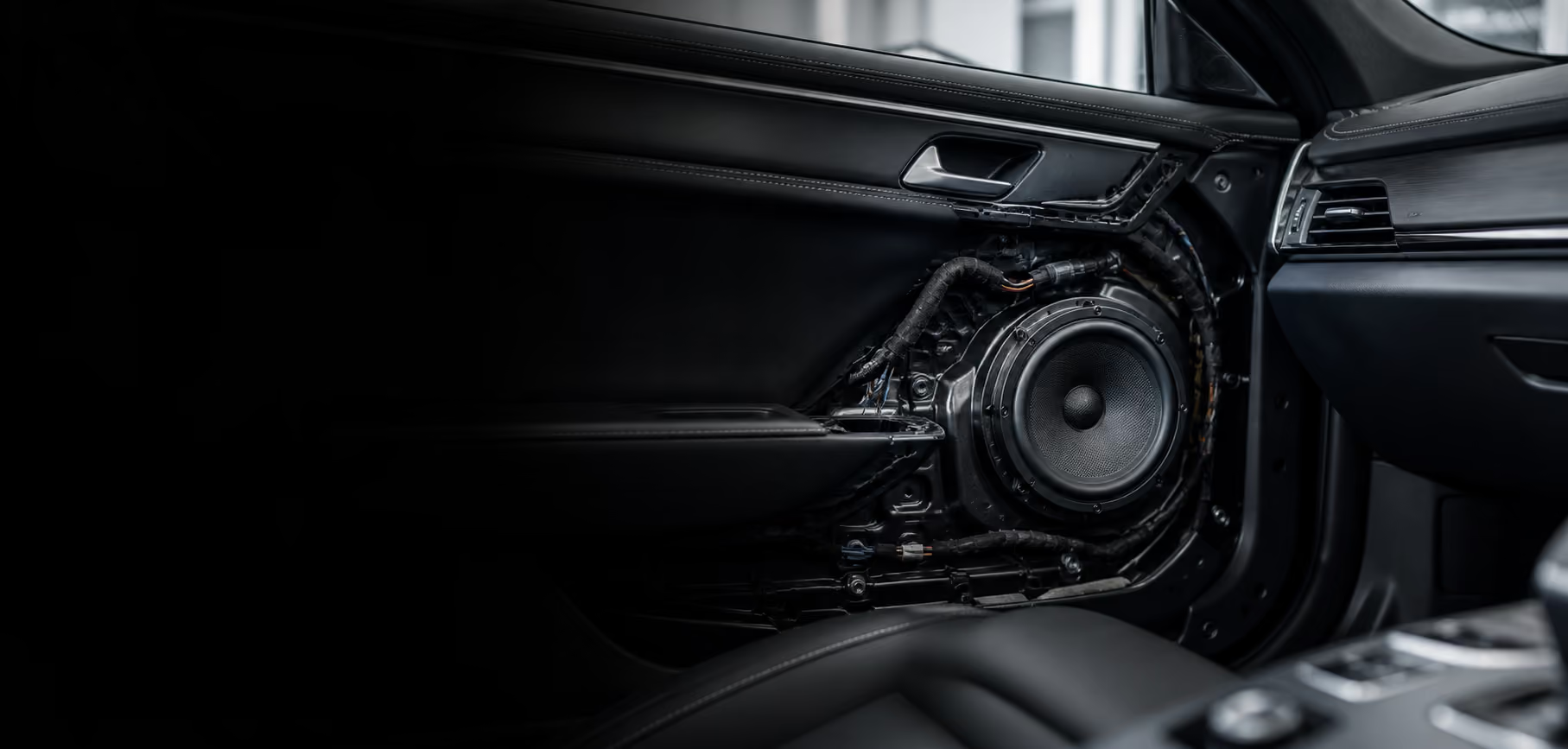
Screen size and connection features often receive the most attention when choosing a new head unit. Drivers may also rely on steering-wheel buttons for volume, track changes, or calls. Those habits belong in the discussion before replacing the device.
A function list makes requirements concrete. It records the current condition and expected outcome rather than teaching button programming or wiring. Make observations with the car safely parked, using normal controls you understand.
Record the vehicle and device identity
Write the vehicle model and year using documents or information you know. Add the current head unit’s identity when available. Do not guess its series from the screen shape or a photograph of a similar-looking vehicle.
Mention previous device replacements and work you know about. This helps technicians understand that the current setup may differ from the vehicle’s original configuration. Mark incomplete history as unknown rather than filling gaps with assumptions.
Identity provides consultation context rather than a compatibility conclusion. The same vehicle model can have different variants or systems. Technicians still need to inspect the actual device, connections, and supporting requirements for the particular car.
List buttons by position
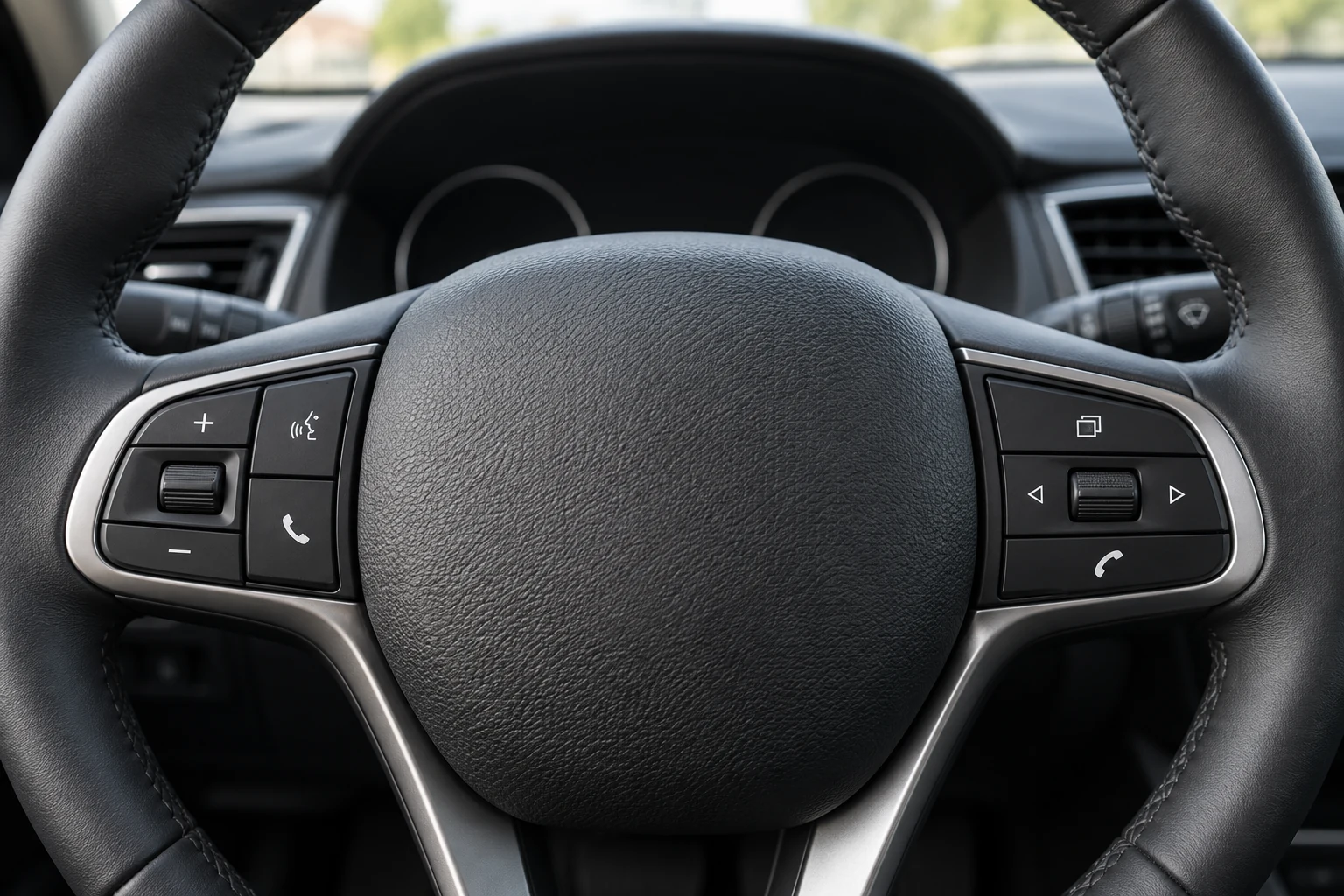
Start with the steering wheel’s left and right sides. Record the visible symbol or label and use a simple, recognisable description. Examples include the upper-left plus button, lower-left phone button, or an arrow on the right.
If useful, photograph the button area without including documents or private information inside the car. The picture connects notes to physical positions. There is no need to open panels, remove buttons, or photograph wiring to prepare an initial requirements list.
Distinguish audio controls from other vehicle controls. Do not try unfamiliar functions merely to complete a table. The vehicle manual and a technician’s explanation can help clarify controls that remain unclear.
Describe behaviour actually observed
Record normal actions: raising volume, moving to the next track, selecting a source, or accepting a call when supported. Avoid writing “everything works” without specifying the functions. A short, specific list supports later checks better.
Behaviour can depend on the audio source. A next-track button may be used with a phone connection while the radio behaves differently. Record contexts you have already used rather than assuming one observation applies to every source.
If a button sometimes fails to respond, mention that as an existing condition. The record helps distinguish a previous issue from the result of subsequent work. Avoid diagnosing an electronic cause or deciding a component needs replacement yourself.
Identify functions you want to retain
Prioritise functions according to driving habits. Volume may be used on every journey while source selection is rarely used. Make the main requirements visible so the discussion does not simply follow the longest feature list.
For a shared car, ask other users about their habits. A second person may use call controls that the main user never touches. Prepare one summary of shared requirements, identifying functions needing separate confirmation.
Connect this list with choosing a head unit around real needs. Display, audio, phone connectivity, and steering controls are connected requirements. Different devices support different combinations.
Ask compatibility questions before agreeing
Bring the function list to the technician. Ask which functions can be retained with the proposed device and whether an additional interface is needed. Answers depend on the particular vehicle and equipment; avoid a general promise that every button will behave identically.
Ask about possible behaviour changes. A button may remain available but perform a different task. If that matters to users, discuss it before choosing the device rather than after the car is returned.
Record what has been confirmed and what still needs inspection. Use wording such as “requires checking on this vehicle” when uncertain. The list aligns expectations without turning estimates into installation guarantees.
Use the record when reviewing results
After the work, review agreed functions with the technician while the car is parked. Use normal controls and relevant audio-source contexts. This is not a reason to operate the screen or try buttons while driving.
Compare the original list with the result: working as agreed, changed behaviour already explained, or requiring follow-up. For differences, record the button and source used so the question is more precise than “the steering controls have a problem”.
Keep a summary for other car users. They need to know accepted changes and normal operation. When preparing for an accessories workshop visit, this simple list helps a Hariman Variasi consultation start with habits you actually want to retain.