
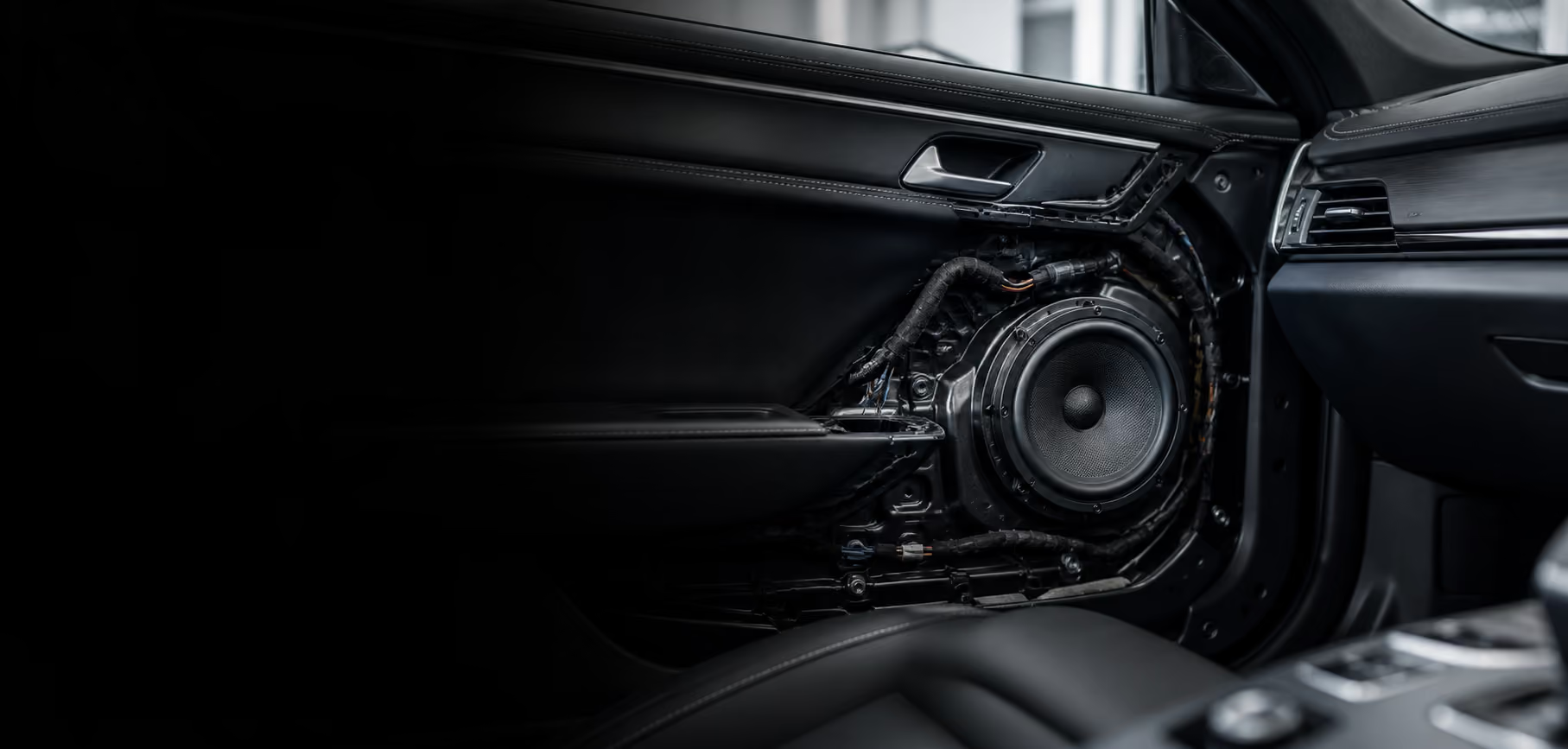
Photographs of seat condition help a car owner explain their needs before discussing an interior update. Without organised notes, a close-up can appear to represent the whole cabin, while a wide photograph may miss the part that needs attention. Both views should be used together to provide context.
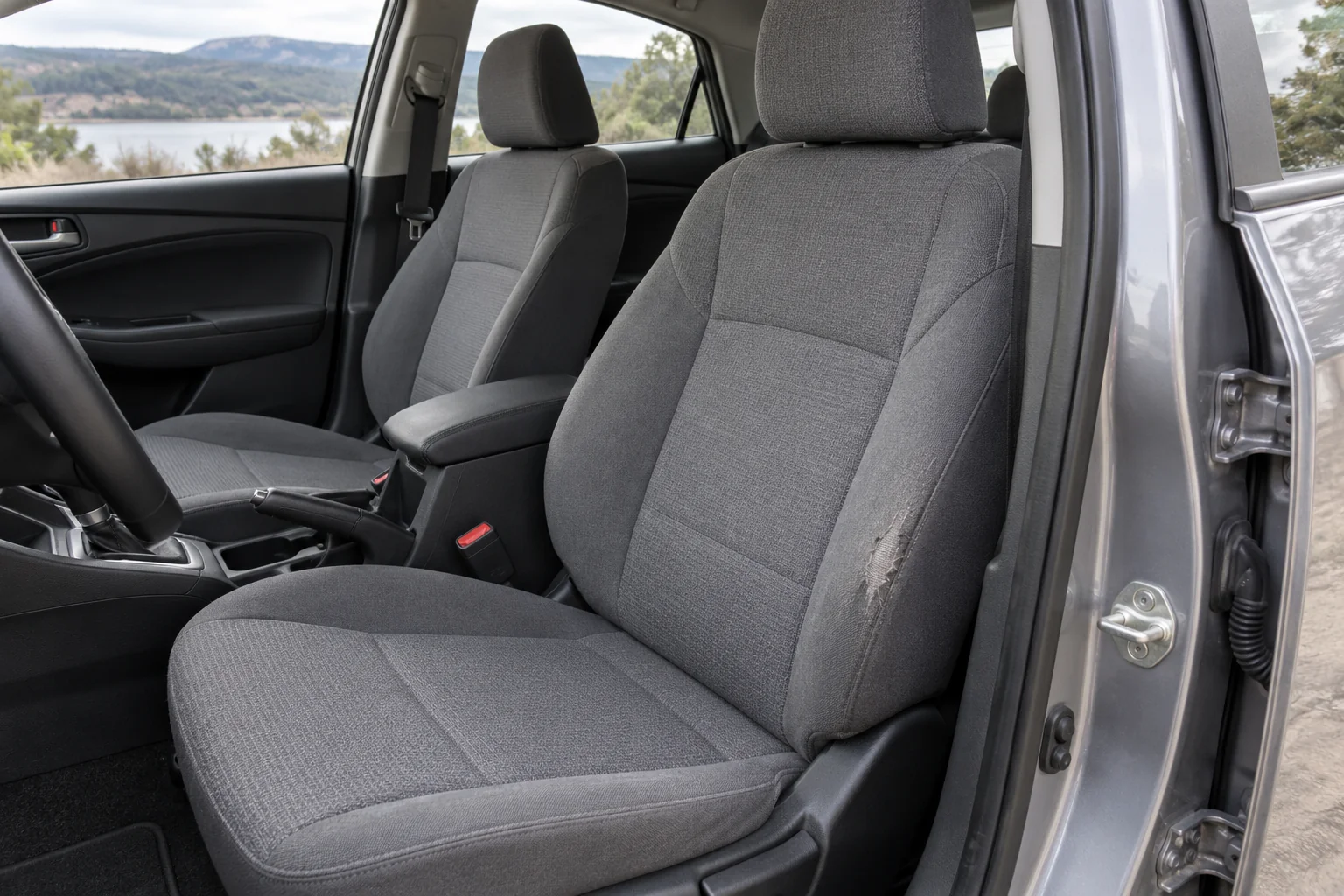
Start by documenting the current condition with the car parked in a safe place. The aim is to prepare clear discussion material for the owner and the people handling the work. Photographs alone do not decide the material, method, cost, or intended result. Those decisions need discussion after the condition and scope are understood.
Identify the part you want to discuss
Write the reason for the update in one or two sentences. Perhaps the side of the driver’s seat feels different in use, the fabric colour is uneven, or the owner wants to discuss the interior’s appearance. Separate visible changes from sensations experienced during use. A photograph shows appearance; a note explains the experience.
List locations using consistent names: driver’s seat, front passenger seat, and rear row where relevant. Identify the cushion, backrest, side bolster, or seam being discussed. Avoid writing right side without explaining the viewpoint.
Not every part needs numerous photographs. Select areas relevant to the initial question and add context where necessary. A concise, organised record is easier to read than dozens of similar images without explanations.
Use a wide view as a condition map
Open the door with enough room and choose a camera position showing the whole seat. Make sure the area being discussed is not covered by a bag, cushion, or personal belongings. Move those items normally without dismantling components or disconnecting anything.
Use even light so colour and shape are visible. Avoid direct flash that makes one area unusually bright. If light differs between the front and rear, record that difference. Phone cameras can change colour automatically, so a photograph is not a definitive reference for material colour.
Keep one wide view for each main location. It becomes a map when someone examines the details. Add a short description, such as driver’s seat viewed from the door before discussing an update. It does not need to include the owner’s identity or vehicle registration.
Add detail where discussion is needed
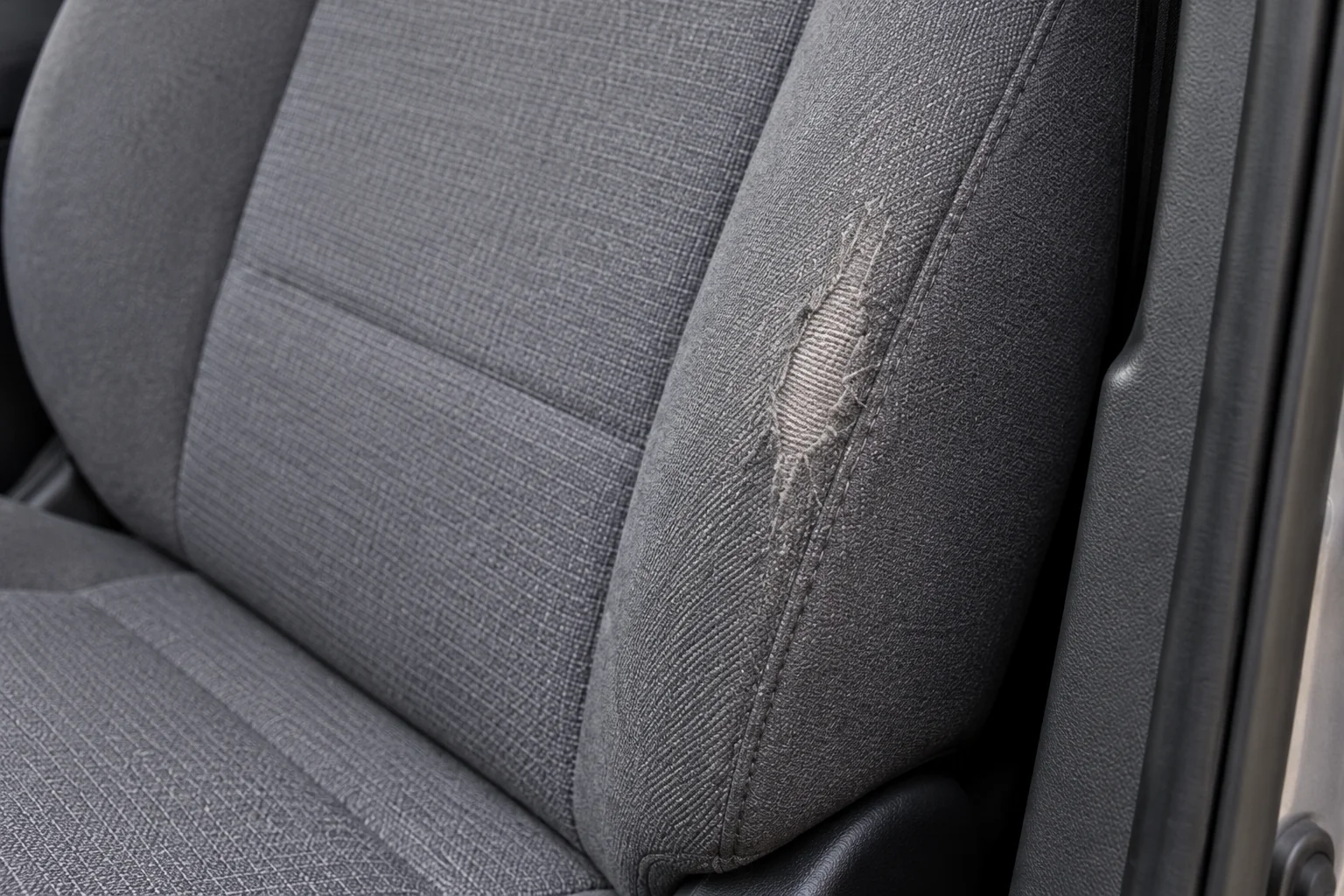
Bring the camera closer to the area without changing its condition. A detail photograph may show fibres, stitching, the surface, or colour variation. Keep it in focus and sufficiently wide to identify the location. If it is too close, the reader may lose the connection with the whole seat.
Record what is actually visible: thinner fibres, a seam that appears separated, or a colour difference along one side. Avoid deciding the cause from a photograph alone. Similar-looking conditions may need different checks, particularly when comfort or function is also involved.
Connect detail and wide photographs through filenames or a simple list. Photograph A might show the whole driver’s seat, with A1 showing the outer cushion bolster. This makes discussion easier without putting large markings on the images.
Separate current condition from the intended result
Create two sections in the notes. The first records visible condition and concerns during use. The second records update preferences, such as appearance, parts to retain, and care questions. Do not combine them into a conclusion that one material will solve every need.
If you have a reference image, explain the appealing element: its colour, pattern, or relationship between panels. A visual reference does not establish suitability for your own vehicle. Work must also account for components, functions, and applicable vehicle instructions.
Tell the team if an area has not been photographed or a condition is difficult to capture. For example, a change may be felt when sitting without being clearly visible. This helps identify what requires discussion during an in-person inspection.
Organise an easy-to-read photo set
Follow a consistent sequence: wide view, detail view, and questions. Choose the clearest photographs and avoid sending many duplicates. Keep original files so detail is not lost through repeated transfers or colour editing.
| Note | Useful content |
|---|---|
| Location | Seat name and the relevant part |
| Visible condition | A short description without guessing its cause |
| Experience in use | What is felt and when it occurs |
| Preference | What should change or remain |
| Question | What the team needs to explain |
Check privacy before sending. Unrelated faces, documents, and personal belongings do not need to appear. Adding private information does not make the condition record more useful.
Use the record to begin the discussion
Send the photographs with a needs summary through the communication route available at Hariman. Linking images to notes helps the team understand the location and initial questions. Service information and other car interior articles can help prepare for the next conversation.
After the work scope is agreed, keep the starting condition as a shared reference. If requirements change, update the notes instead of relying on memory. A useful record helps owner and team discuss the same parts, with a clear distinction between observations, preferences, and work decisions.