
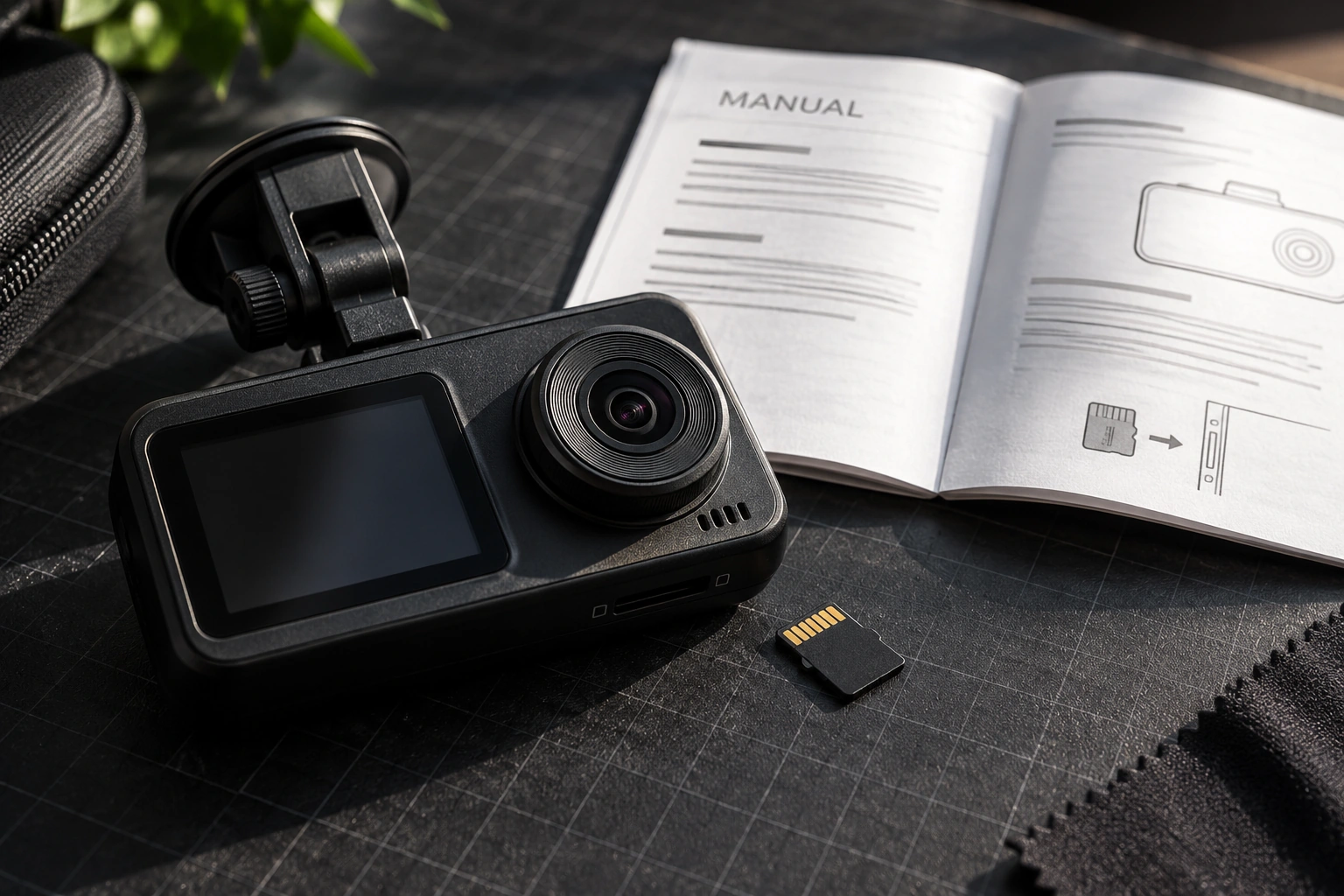
A microSD card for a dashcam must suit the camera, not simply offer a large capacity. Repeated-write endurance, speed class, supported capacity and the manufacturer’s recommendations are separate considerations. One prominent number on the package does not answer all of them.
Start with the exact dashcam brand and model, including the camera configuration in use. A front-only camera and a multi-channel system may have different requirements. This guide helps organise the checks before purchasing; the final choice should follow the device’s manual and recommended-card list.
Understand the card’s job
A dashcam records repeatedly and may overwrite older footage according to its settings. That workload differs from a card occasionally used to store photographs. Endurance information therefore matters alongside the camera’s other requirements.
The word endurance on a package does not make every card compatible, however. Check the exact product series, capacity and model recommendation. A single brand can sell several card ranges intended for different applications.
VIOFO’s dashcam-card guidance demonstrates that a manufacturer can maintain its own recommendations. Consult the guidance for the device you own instead of treating one manufacturer’s list as a rule for every dashcam.
Match card markings to the camera manual
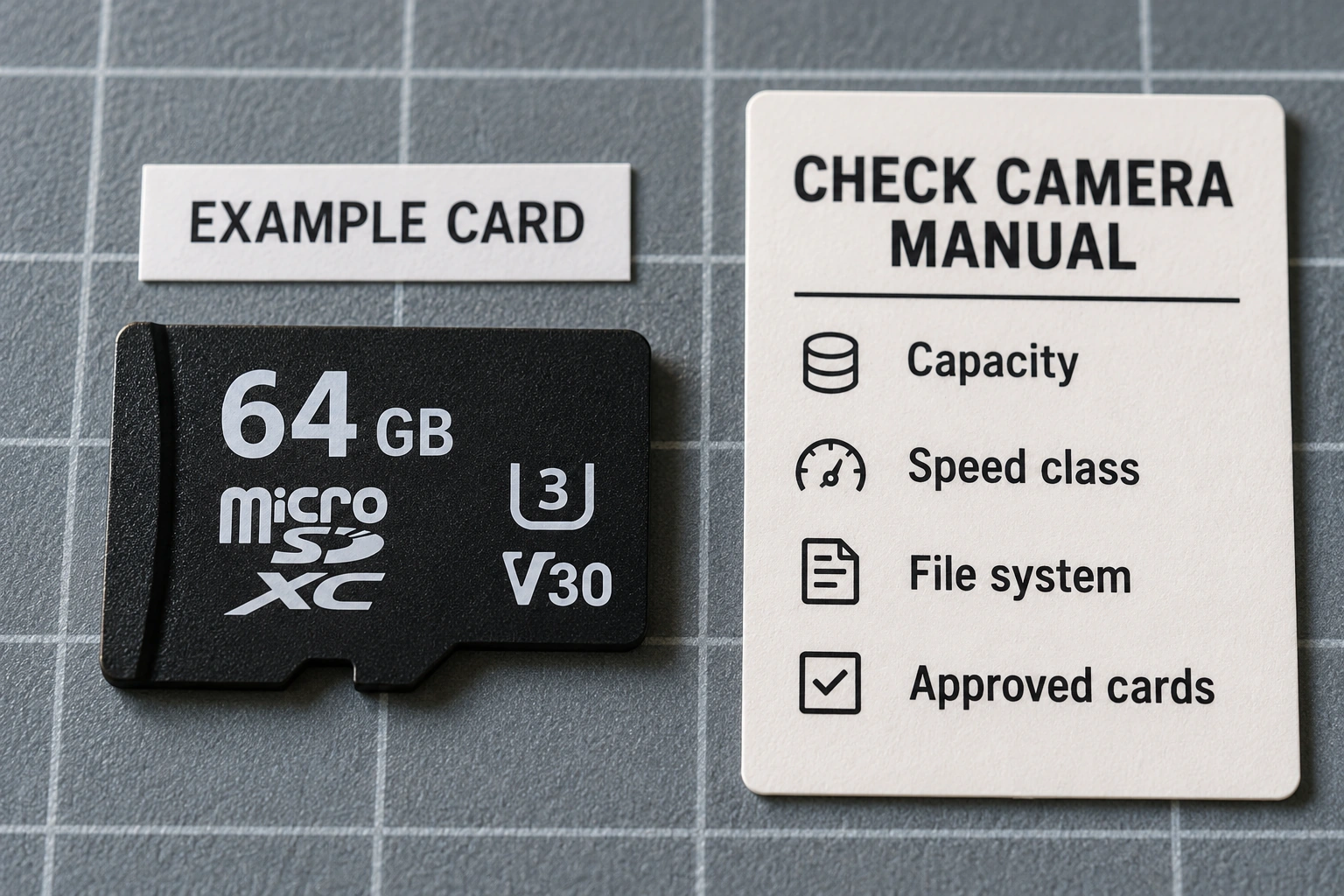
Capacity, speed-class markings and series names answer different questions. Capacity indicates nominal storage space. Speed markings belong to defined categories, while a series name may describe its intended use according to the manufacturer. Do not compress these into “a higher number must be better”.
The SD Association explains Speed Class, UHS Speed Class and Video Speed Class categories. These concern writing performance under their standards rather than promising a particular number of recording hours on an individual camera.
Read the manual’s requirements together. If the camera specifies a class and a capacity range, match both. Avoid choosing solely from the large advertised read-speed figure when the relevant question concerns the device’s recording workload.
Check capacity limits and formatting
A larger card is not necessarily supported. Confirm the model’s capacity limit, card type and file-system requirements. Two visually similar dashcams do not necessarily accept the same capacity or format.
Do not calculate recording duration from card capacity alone. Resolution, channel count, bitrate and storage settings also affect the outcome. If duration matters, use manufacturer information for the relevant configuration or observe the device under its actual settings.
Before formatting, copy recordings that must be retained correctly and check that the copies can be read. Formatting can erase the card’s contents. Follow the device’s preparation procedure rather than running an arbitrary formatting tool because a forum user reported success.
Test the recorded files after installation
Once the card is prepared according to the manual, make a test recording while the vehicle is safely stationary. Check that the camera records, the files open and every expected channel has footage. A lit recording icon alone does not establish that usable files were stored.
Inspect several files from the beginning and end of the test. Check the camera time where available and note error messages. Do not remove a card while the camera is writing; use the shutdown and removal procedure specified by its manufacturer.
If a problem appears, record the message, camera model, card series, capacity and active settings. Those details help a technician more than simply saying a new card does not work. Do not immediately conclude that the camera is defective or the card counterfeit without appropriate checks.
Plan how important footage will be retained
Loop recording is not a permanent archive. When footage needs preserving, follow the device’s supported protection or export procedure. Verify that the exported copy actually plays before relying on it as the only retained copy.
Check how the model treats protected or locked files as well. Behaviour can vary with the device and its settings. Do not assume that every event recording remains protected indefinitely without reviewing the camera instructions.
Keep a simple record of when the card was installed and any observed faults. This supports later replacement or assistance without making a universal service-life promise for every vehicle environment. It can also distinguish a recurring problem from a single interrupted recording.
Bring the device identity to a consultation
Before buying or replacing storage, prepare the dashcam’s model label, relevant manual, old card series and observed symptoms. There is no need to share private footage when specifications and error messages can answer the question.
Read choosing and installing a dashcam for the wider device considerations. When consulting Hariman, explain the camera configuration and everyday use, then confirm available products and support. Compatibility follows the device and its recommendations, rather than the largest capacity alone.